
Web and phone
This page is for running Mantle in a browser or on a phone. It shows how to open the web build, install it to a home screen, use the touch interface and set up the Android app, and it ends with security notes.
The web build
The web build is all of Mantle, its core included, running in your browser. The core is compiled to WebAssembly and runs in the page. There is no server to run and no access code. The site is a folder of files that any web host can serve, and what you do in it stays in your browser.
Open it or build it
The project's own copy is at app.mantlevid.com: open it and Mantle starts. Each release has the site too, as mantle-<version>-web.zip, to put on a host of your own.
To host it yourself, put the folder on any web host that serves static files, at any address. A browser runs Mantle only from an https:// address or from localhost. Give a copy of your own a domain of its own too (see the security notes at the end of this page).
To build it, run go run ./tools/mk web. It makes the site in out/web/, about 20 MB, most of it the core, which compresses to about 5 MB. See Building and testing. The repository publishes it as its site on CodeFloe (go run ./tools/mk site, which CI runs when a release is published): see Releasing and hosting.
To try it on your own computer, run go run ./tools/mk web -serve. It builds the site and serves it at http://127.0.0.1:8017. Ctrl+C stops it. A page there can reach a server on your network at a plain http:// address, which a page at an https:// address cannot.
Open it
Open the site's address in a current browser. The first visit downloads the core once. After that, Mantle starts from the browser's cache in about a second, without a connection too. A browser that cannot run it (one without service workers) says so.
A new install starts with the first run, as the desktop app does. See Getting started.
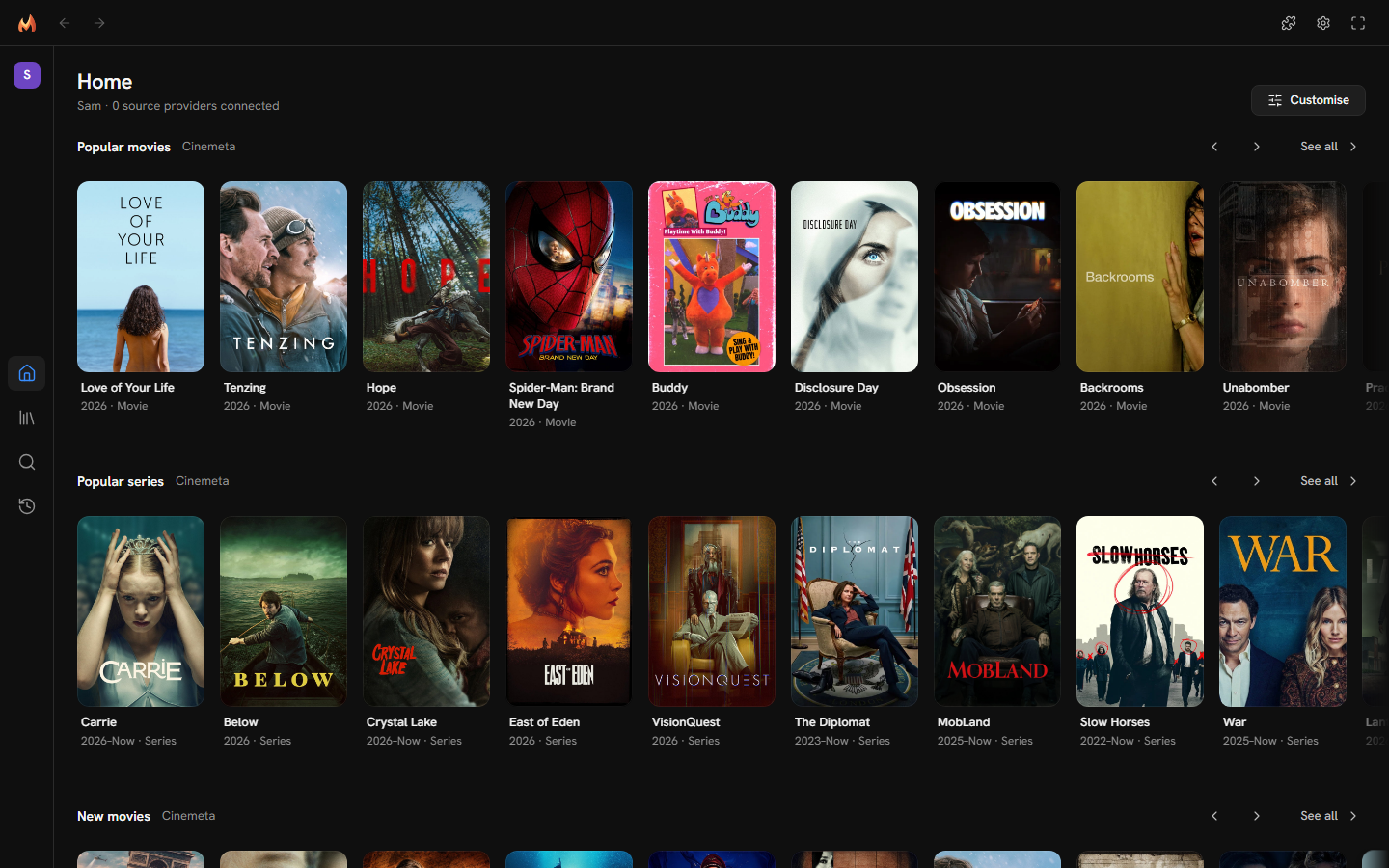
Where your data is
Mantle keeps everything in the browser's storage for its site: profiles, library, lists, settings, plugins, your plugins' keys and sign-ins, and its caches. Nothing of it goes anywhere else, except what your plugins send to their providers and, signed in to a Mantle account, what its profiles sync, encrypted on this device first (see Mantle Together).
- Each browser, and each browser profile, has a Mantle of its own. To move your setup, use Share your setup or Export in Settings → Data and storage.
- Clearing the site's data in the browser removes everything Mantle kept there.
- Saving. Mantle saves each change as you make it (a playback's place about a second later), and again when you switch away from the tab or close it. The save as the tab closes may not finish: the browser ends the page's worker first. So when you close the tab, the last second or so of changes is at risk, not what was saved before.
- When a save fails. If the browser refuses a save because it has no room left, Mantle says "Your change isn't saved yet: . Mantle keeps trying." The change stays applied, and Mantle tries again after a short wait, then longer waits (up to a minute), until a save works.
- Keeping your data. A browser may clear a site's storage when the disk runs low, unless the browser agreed to keep it (persistent storage). Mantle asks as it starts, and Settings → Data and storage → Keeping your data says the answer. Where the browser has not agreed, it reads "Your browser has not agreed to keep Mantle’s data, so it may clear it when the disk runs low, without a warning. Back up keeps a copy of everything, and Export one of your library, lists and watch history." with Ask again. A browser that cannot say gets the same warning, without the button.
- Back up (Settings → Data and storage → Backup and restore) is a file of everything, sealed under a passphrase you type. Restoring it replaces what is in this browser, and the page reloads to open it. The same place lists the copies Mantle keeps in the browser's storage, each with a Restore: this is how to go back here, where no folder can be opened (see Your data).
- Export is a file of your library, lists and watch history, not a backup of everything: your settings, notes, source picks, reminders and sign-ins are not in it. A profile synced to a Mantle account keeps what syncs of it there (see Mantle Together); one that is not synced is kept in this browser alone.
One tab at a time
Mantle runs in one tab at a time. Opened in a second tab, it says "Mantle is open in another tab." with a Use it here button. Press it, and the first tab saves and lets go, then says "Mantle is open in another tab now." with the same button to take Mantle back.
What differs from the desktop app
A page can do less than a program. Your browser keeps it from your disk, and lets it reach only the services that allow web pages to.
| Area | In the web build |
|---|---|
| Downloads | Not available. A page has no folders to download to. Downloads, the download buttons and the download folders are not shown. |
| Plugins | A plugin whose service does not let a web page call it says "Needs the desktop or Android app" and cannot be turned on. Of the plugins that come with Mantle, these are Real-Debrid, TorBox, IntroDB and Torznab. A setup shared from the desktop that has one on brings it in off: "stays off: it needs the desktop or Android app". |
| Your own servers | A page at an https:// address can reach only servers at https:// addresses, and localhost. A Jellyfin server at a plain http:// address on your network needs the desktop or Android app, or an HTTPS address. |
| Streams | A stream that needs special headers does not play. The desktop app passes such a stream through itself; a page cannot. |
| Audio tracks | Chrome, Edge and Firefox give a page no way to switch a file's audio tracks, so Mantle repackages a file with more than one as it plays (see Audio tracks). |
| Updates | The site is updated by whoever hosts it, when a release is published. Mantle offers the newer version as the other apps do, with what changed; Reload to update loads it. That is where the feed is the site's own (app.mantlevid.com reading app.mantlevid.com/releases.json); a copy at any other address offers the release's page instead, since it is as new as whoever hosts it makes it. |
| Seek previews | A provider's own previews (Jellyfin's) show as anywhere. Mantle's pictures of the stream itself show where the stream's host lets a page read it, as Jellyfin does. |
| Artwork | Loads from where each picture is, as it is there. The desktop app resizes pictures and keeps them. |
| Log | The Inspector's Log shows what happened since the tab was opened. The web build keeps no log file. |
| Window | There are no minimise, maximise or close buttons, and no Zoom setting. The browser has its own. |
| Links | A link opens in a new tab. |
| Files you save | Save to a file (sharing a setup), Export and Back up download the file, named as Mantle names it, where the browser keeps downloads. |
| Files you open | Open a setup file, Import and Restore from a file use the browser's file picker. |
| Back | The browser's Back is the app's. On a phone, the back gesture goes back. Back closes an open menu or sheet first, even on the app's first page, where it would otherwise leave Mantle. |
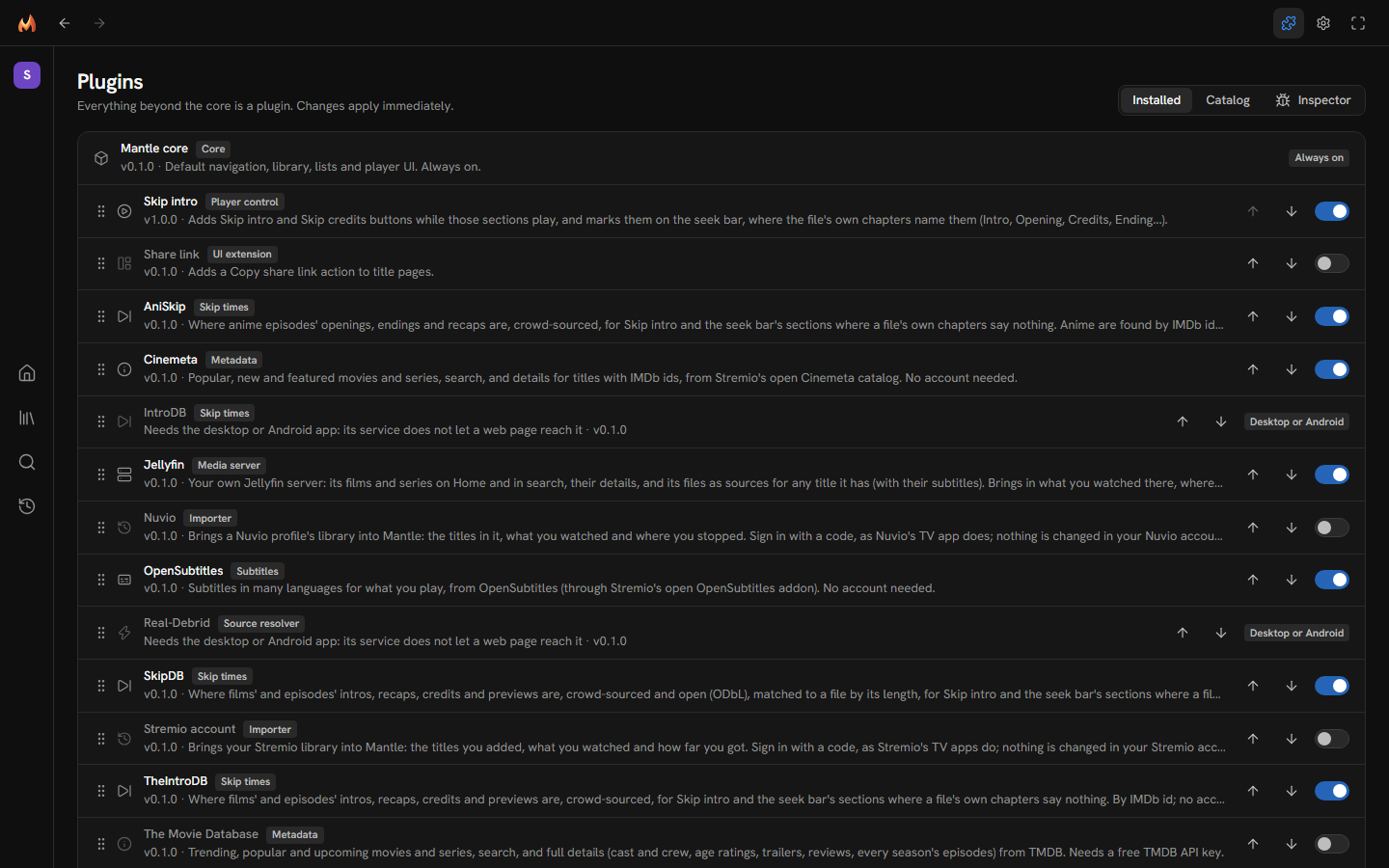
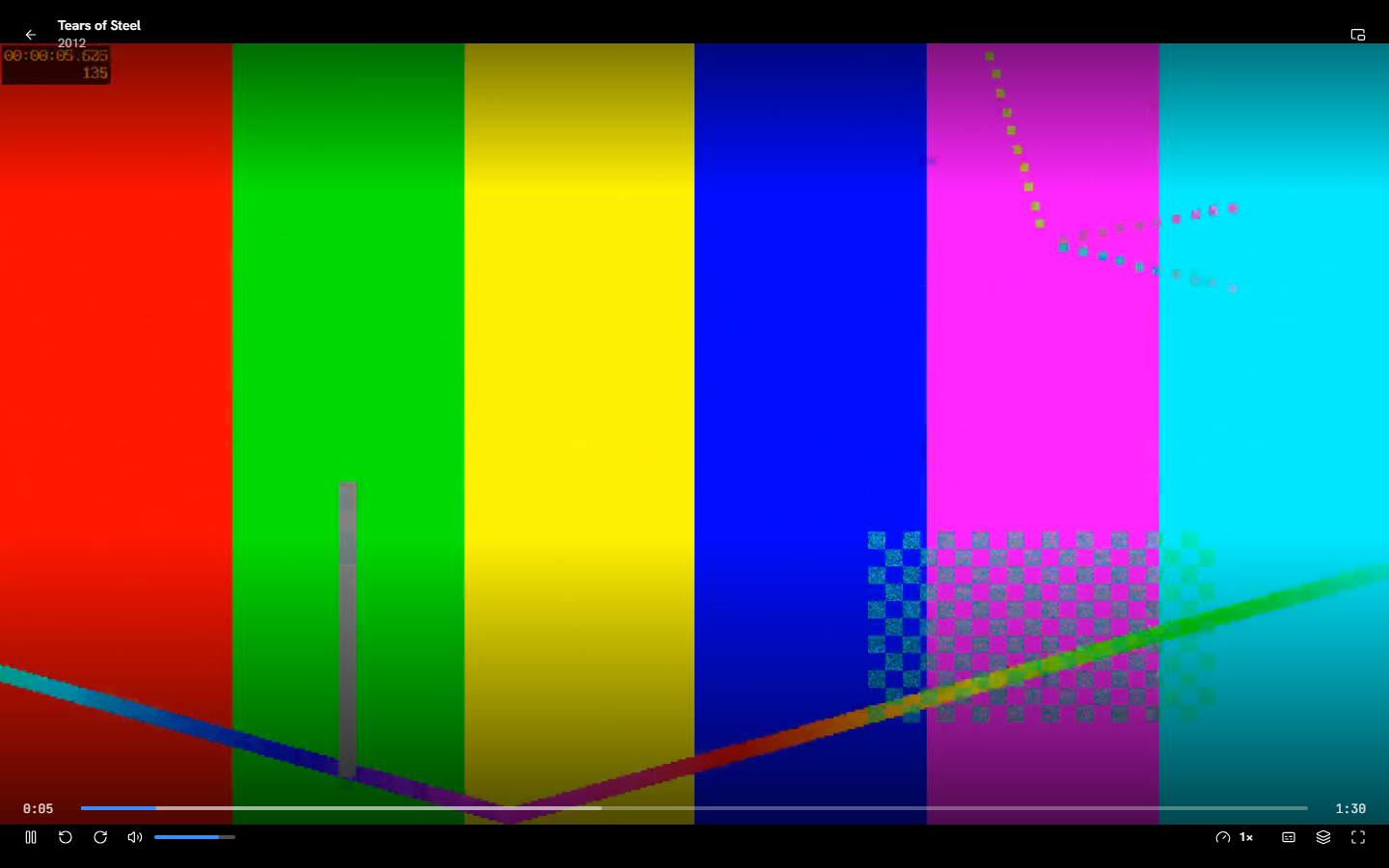
A stream loads into the player straight from its provider. See Jellyfin.
Audio tracks
A browser, like Android's WebView, cannot switch a file's audio tracks itself. So Mantle repackages a file with more than one as it plays (nothing re-encoded: its picture, and each audio track on its own), and the Audio menu switches between them.
- It can when the page can read the file in parts: from a Jellyfin server at an
https://address, say (see Your own servers above). - Sound the device cannot decode (Dolby Digital in Chrome and Firefox, DTS in any browser, and both on Android) Mantle decodes as it repackages, so a file with only that sound is repackaged too. TrueHD is left out.
- A film whose keyframes are too far apart to repackage whole (more than 96 MB between two) plays its picture as it is, through Mantle, with its sound beside it, kept in time. Where the server does not tell the page how big the file is, such a film plays as it is instead.
- A file Mantle cannot repackage (a Matroska file without an index of its keyframes) plays its default track, silent if the device cannot decode it. The Inspector's Log on the Plugins page says why.
- A stream that stops loading is started again after about five seconds, and if nothing had played on it, Mantle tries the next source after about ten. One that had played goes on as it is instead, which keeps the picture but loses the Audio button and, for sound only Mantle can decode, all of its sound. Mantle says no sound is coming from the file, and offers another source where there is one.
Install it to the home screen
The web build has a web app manifest (name "Mantle", standalone display, icons, dark colours). Use your browser's Install or Add to Home screen command. The icon then opens Mantle like an app, without the browser's bars, and it opens without a connection.
Use it from a phone
Open the web build's address in the phone's browser. Mantle runs on the phone itself, with its own data, as it does in any browser. Install it to the home screen to open it like an app.
For downloads, and for the plugins a browser cannot run, use the Android app (below).
The phone interface
The phone interface appears whenever the window is 760 pixels wide or narrower, or the screen is a touch screen that is 500 pixels tall or less, which is a phone held sideways. It is on in a phone's browser, in the Android app, and in the desktop app when you make its window narrow. The tab bar and the top bar keep clear of the screen's notch and its gesture bar.
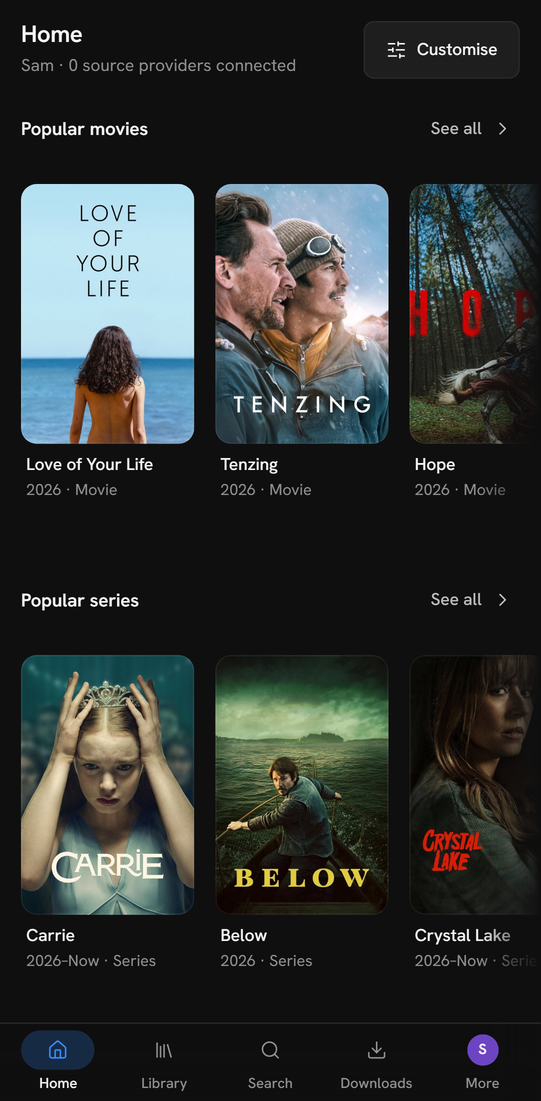
Tab bar and More
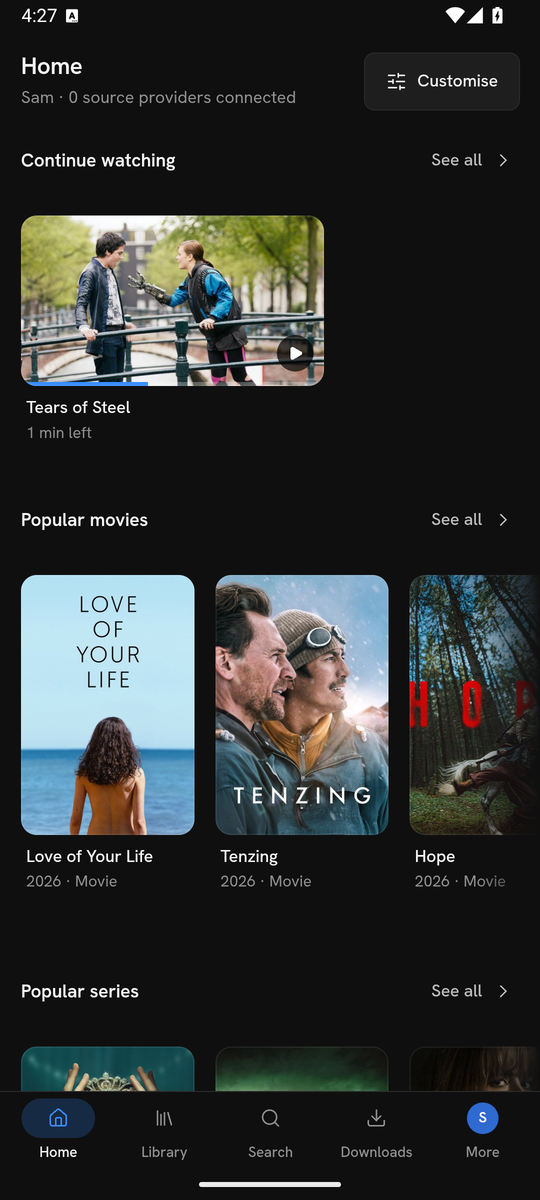
The rail becomes a tab bar at the bottom: Home, Library, Search, Downloads (not in the web build) and More. More shows your profile's initial.
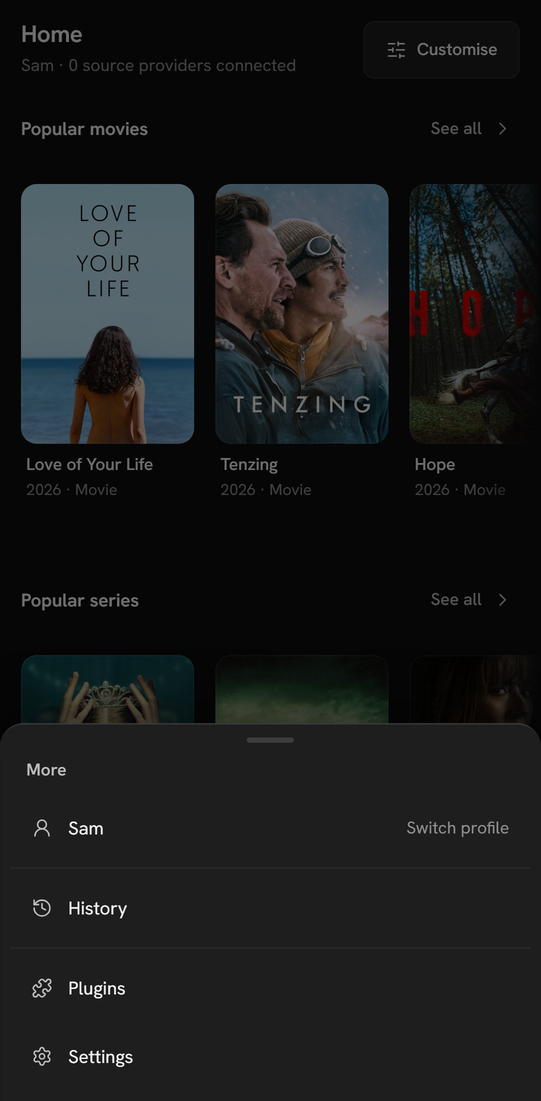
Press More for a sheet with:
- Your profile's name, with the hint "Switch profile". It opens "Who’s watching?".
- History, and any section a plugin adds.
- Plugins and Settings.
More is marked when you are on one of these pages.
The top bar only goes Back, and only when there is somewhere to go back to. On Home, Library, Search and Downloads there is no top bar at all, unless something is being prepared, you are offline or you are in a watch party, which the bar then shows. A narrow desktop window keeps its top bar, which holds the window's buttons.
Sheets
Every menu, dropdown and popover is a sheet from the bottom of the screen, with its title above it. Close a sheet by pressing outside it or by drawing it down by its handle. The back gesture closes it too, even on the app's first page.
Long press
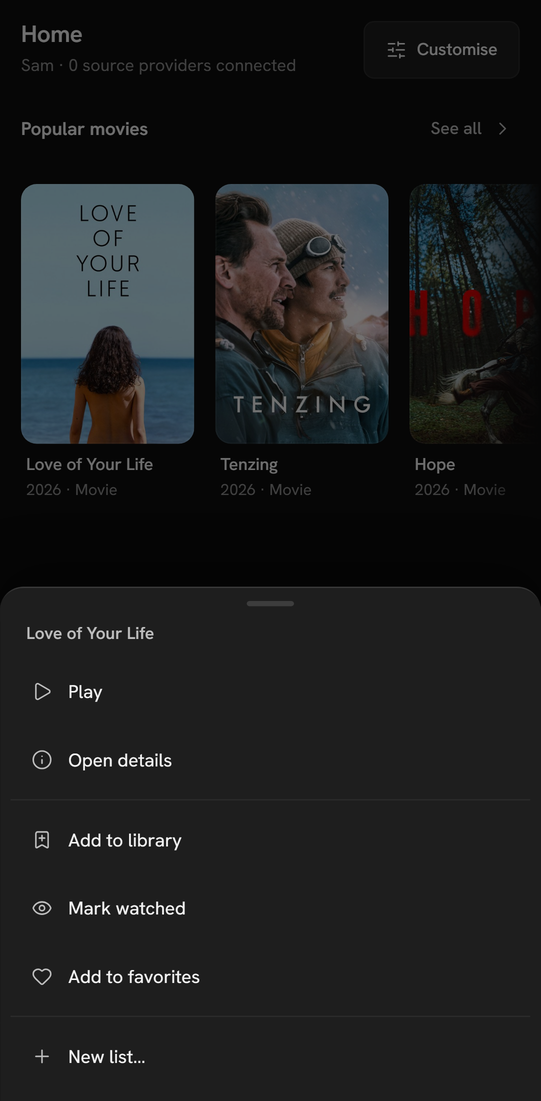
Hold a finger still on a card for about 0.6 seconds. The card's menu opens as a sheet: Play or Resume, Open details, Add to library, Mark watched, Add to favorites and your lists. Lifting your finger does not open the title. If the finger moves more than a few pixels, it is a scroll and nothing opens. Android's browsers open this menu themselves a moment sooner. Mantle's own long press covers the browsers that do not, such as iOS's.
Shelves, title pages and settings
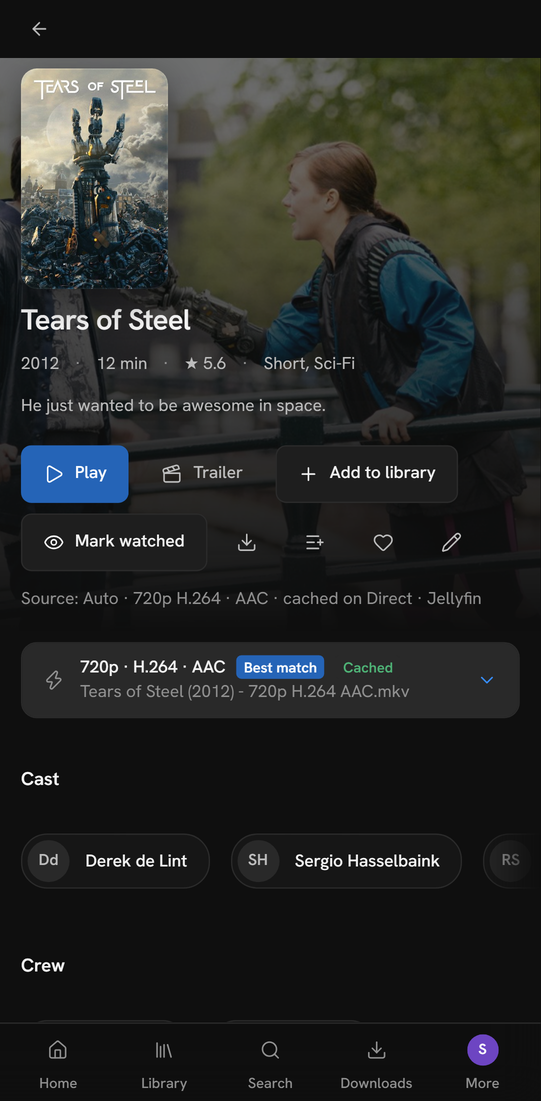
By touch nothing hovers, so the hover buttons on cards are gone. Shelves scroll sideways and stop at a card. On a title's page the poster sits above the details and the buttons are larger.
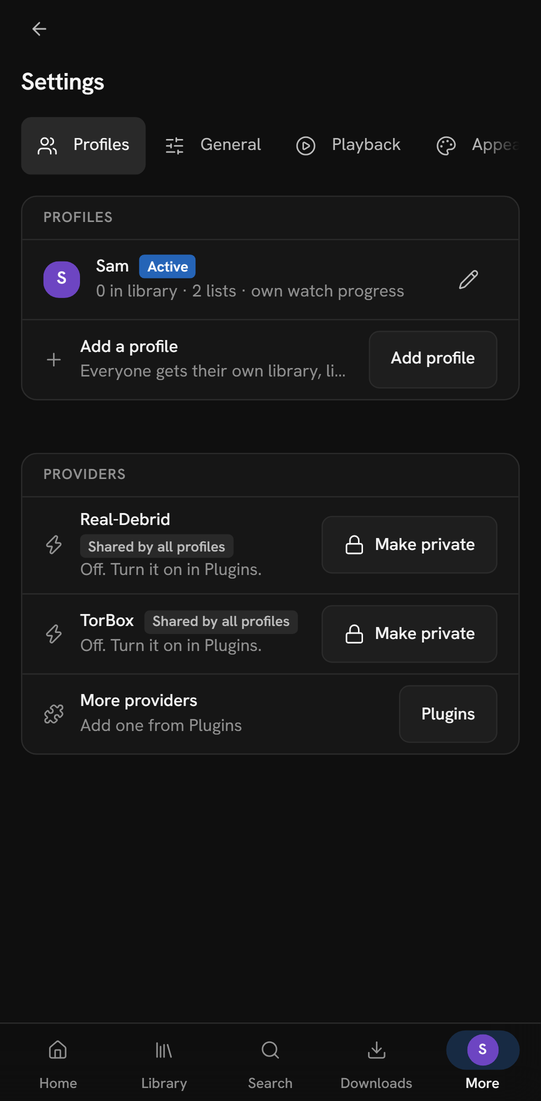
Settings shows its sections as a row of tabs along the top, which scrolls sideways.
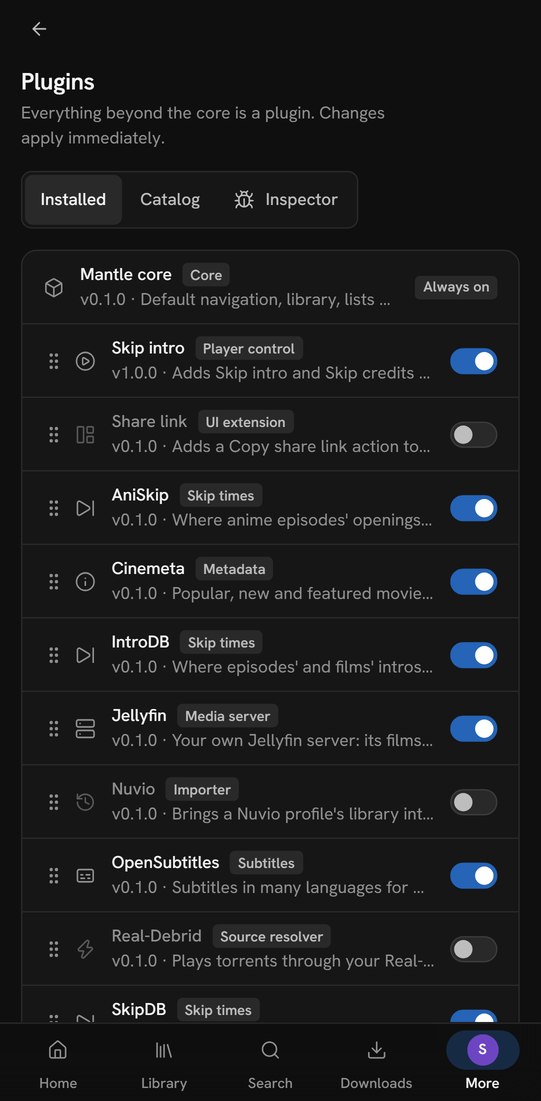
On the Plugins page, a plugin's priority is in its details (the Priority row), where the arrows are.
The player
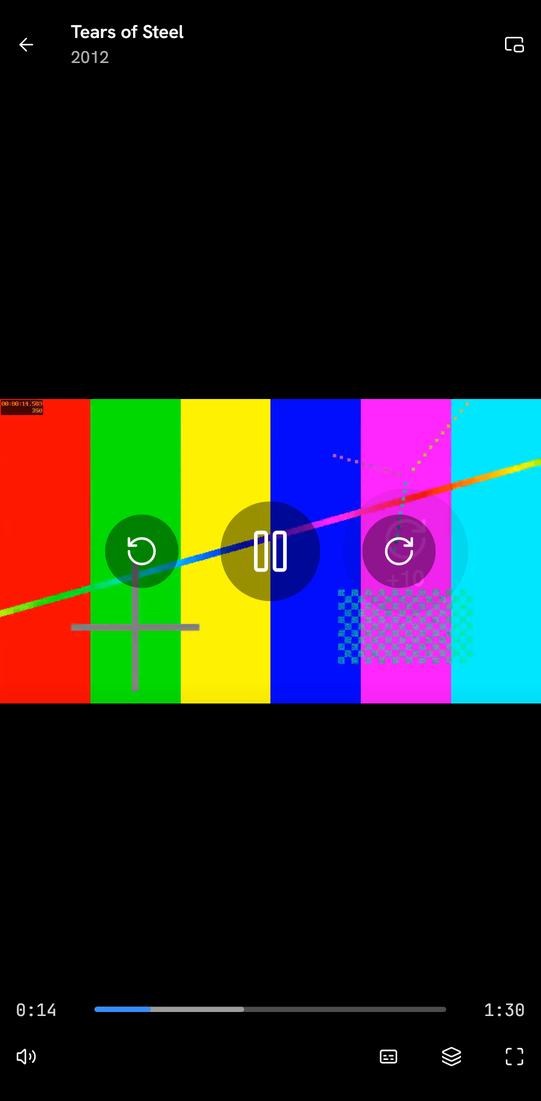
| Gesture | What it does |
|---|---|
| Tap the picture | Shows the controls, or hides them. It never pauses. |
| Double tap the left side | Goes back 10 seconds. Each further tap goes back 10 more. |
| Double tap the right side | Goes forward 10 seconds. Each further tap goes forward 10 more. |
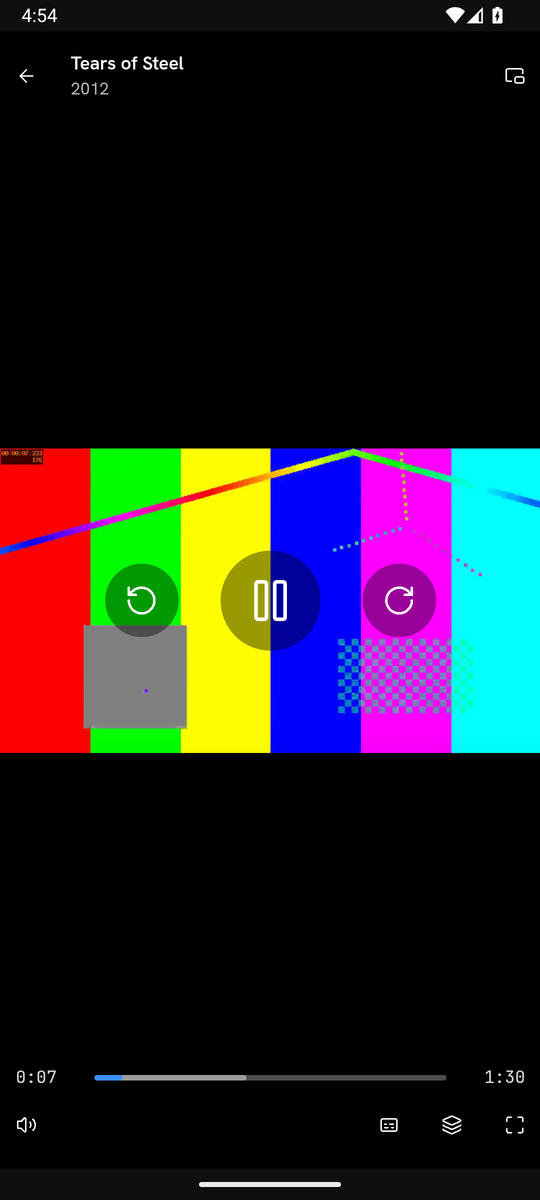
| The big buttons in the middle | Back 10 seconds, play or pause, forward 10 seconds. They show when you use touch. |
| Full screen | Goes full screen and turns the picture on its side, where the browser allows. |
The left side is the left 35% of the picture, and the right side is the right 35%. A second tap on a side counts when it comes within about a third of a second of the first. A tap in the middle only shows or hides the controls.
The Android app
The Android app is Mantle compiled for Android as a small server, packed with a window of the phone's own browser engine (a WebView). Mantle runs inside the app and serves that phone alone, on the phone's own address (127.0.0.1), so no other device can reach it. Unlike the web build, it downloads, and runs every plugin.
Install it or build it
Each release has the app, mantle-<version>-android.apk, signed with the project's release key. Open the file on the phone and let your browser or file manager install apps when Android asks. Android 8 and newer can run it. A later release installs over it, keeping your data.
To build it yourself, you need the Android SDK with an NDK, build tools and a platform, and a JDK. Building and testing lists what and how.
- Run
go run ./tools/mk android. - The app is
out/android/mantle.apk. It is signed with a key that the build makes on that machine. It is meant for your own phones, not for a store. - Install the file on the phone, for example with
adb install.
The app looks for a newer release as Mantle does (see Getting started). Update downloads the release's APK, checks it, and hands it to Android, which asks you to install it: the first time, Android asks to let Mantle install apps.
Android installs an app over another only when the same key signed both. To change from a release to your own build, or back, uninstall the app first: that deletes its data, so export your setup before you do.
What differs
- Your data is in the app's own storage, in a
mantle-datafolder. Android does not back it up: uninstalling Mantle or clearing its data deletes everything that is not synced to a Mantle account. (Changing to a build signed with another key needs an uninstall, since Android refuses to install one over the other.) Settings → Data and storage → Keeping your data says so ("Android does not back Mantle up…"). - Back up keeps everything in a file (the phone's Save dialog asks where; the file is sealed under a passphrase you type), and Restore from a file brings it back, as does Restore on one of the copies Mantle keeps, since there is no folder to open (see Your data). A restore ends Mantle's server, and the app's window starts it again on what was restored.
- Export keeps your library, lists and watch history, and not your settings, notes, source picks, reminders or sign-ins.
- Speed. The picture plays at the speed you pick. A phone's decoder may not keep up with a large picture at a high speed, which then buffers or drops frames: pick a lower one. See Playback speed.
- Audio tracks work as in a browser: see Audio tracks. Dolby Digital and DTS sound that Android cannot decode, Mantle decodes as it repackages.
- A link to another site opens in the phone's browser.
- Back is the app's own Back. It closes an open menu or sheet first. At the start of the app, with nothing open, it is the phone's.
- A video in full screen fills the screen with the bars hidden, and turns the phone to landscape. Back leaves full screen first.
- Open a setup file and Import use the phone's file picker.
- Save to a file and Export open the phone's own Save dialog, which asks where to put the file.
- The app may talk to your servers over plain HTTP, as a Jellyfin server on your network often is.
- Mantle stops when you close the app for good. Turning the phone, or switching to another app, does not stop it.
Security notes
The web build
- What Mantle keeps is in the browser's storage for its site. Your plugins' keys and sign-ins and your account's sign-in and key (
secrets.dat) are encrypted there, under a key that the page made and keeps in IndexedDB as a key that script can use and cannot read out. That protects against a dump or an export of what the storage holds, which is ciphertext. It does not protect against script that runs in the page, which can ask for the secrets or use the key as the app does, nor against someone with the browser's whole profile on the disk, since the browser keeps that key in the same place. - The rest is not encrypted: profiles, library and history. Anyone who can use that browser profile can use Mantle's.
- Your browser keeps sites apart by their origin: the address's scheme, host and port, not its path. A page from another site cannot read what Mantle keeps. But a forge's project site, such as CodeFloe's
https://<owner>.codefloe.page/<repository>/or GitHub'shttps://<owner>.github.io/<repository>/, has the same origin as every other site of its owner there. A page on any of them can read what Mantle keeps there, provider keys and sign-ins too, and Mantle's page can read theirs. Serve the web build from a domain of its own, as the project's copy is (app.mantlevid.com). - A Content-Security-Policy (a tag of the page: a static host cannot send headers) limits what the page does. Only the site's own scripts run. The page fetches from
http:andhttps:addresses only, takes pictures and media from anywhere (your providers' servers are anywhere), frames only the trailer player of YouTube, and loads its fonts and styles from the site. It asks for anhttps://address where it is given anhttp://one, except on your own computer. This keeps what a piece of injected HTML could do small. It does not stop a change to the site's own files (see the next point). - The web host only serves the site's files: your data never reaches it. But those files are the program that runs with your data. Use a copy you trust, such as one you built and host yourself, because whoever can change the site's files can change what Mantle does.
- Mantle's requests to providers come from your browser and say they are your browser's. Your browser sends them without its cookies for those sites.
The Android app
The app runs Mantle as a small server inside itself. It listens on 127.0.0.1 with a port chosen at launch, so other devices cannot reach it, and the app signs in to it with a code that is new at every launch.
- Keys. The keys and sign-ins that plugins keep, and the account's sign-in and key, are in
secrets.datin the app's storage, encrypted. The app's files hold its key only wrapped (files/secrets-key.bin) by a key of the Android Keystore, which never leaves it and which only this app can use. Mantle's program is given the key as it starts, over its standard input, and keeps it in memory. Sosecrets.datcannot be read from a copy of the app's files, or after the app is uninstalled. - Nothing else is encrypted: the library, history and profiles in
mantle-dataare plain files, readable by anything that can read the app's storage (root, or a debuggable build). Someone who unlocks the phone and uses the app has the app's data. - If the Keystore's key is lost,
secrets.datcannot be read: Mantle says so, keeps the file aside, and the plugins ask you to sign in again. The key is replaced only when three lookups, a second or two apart, each say it is gone, because the Keystore can answer "not there" with an error of its own (busy, restarting). An error of any other kind stops Mantle from starting ("Mantle did not start"), and a later start tries again. A replaced key is made under a new name, and the old wrapped file (secrets-key.bin.replaced-<time>) and the old Keystore key are kept, not deleted.
Downloads and relayed streams are served under /media/ and a random secret that is new at every start, behind the same sign-in.
This page is made from docs/guide/web-and-phone.md in the repository.